NT$ 5,990
Home » Audio Interface » Podcast Streaming Interface » Focusrite [已絕版] Vocaster One Podcast 直播 線上會議 專用錄音介面
![Focusrite [已絕版] Vocaster One Podcast 直播 線上會議 專用錄音介面 - Main Image](https://dywzyq1lym3hh.cloudfront.net/uploads/product/cover/2559/Vocaster_One_1.png)
![Focusrite [已絕版] Vocaster One Podcast 直播 線上會議 專用錄音介面 - Product Image 2](https://dywzyq1lym3hh.cloudfront.net/uploads/product/cover_2/2559/Vocaster_One_3.png)
![Focusrite [已絕版] Vocaster One Podcast 直播 線上會議 專用錄音介面 - Product Image 3](https://dywzyq1lym3hh.cloudfront.net/uploads/product/cover_3/2559/Vocaster_One_2.png)
![[絕版限量特惠!] GO:LIVECAST 手機直播 錄音介面 GO LiveCast](/uploads/product/cover/2141/PNG_0000_golivecast_main.png)
Focusrite 在 Scarlett 系列後,再次為 Podcaster / 直播者匠心打造新世代專屬介面
音訊大廠 Focusrite 在市場中已獲得無數專業音樂人信任,尤其是 Scarlett 系列,更是引領許多初學者初步踏入音樂製作 / 直播界的產品線之一,而現在, Focusrite 更要進一步地為了有製作 Podcast / 直播以及居家上班視訊、線上會議需求的人們推出新世代的簡易上手介面: Vocaster 系列!
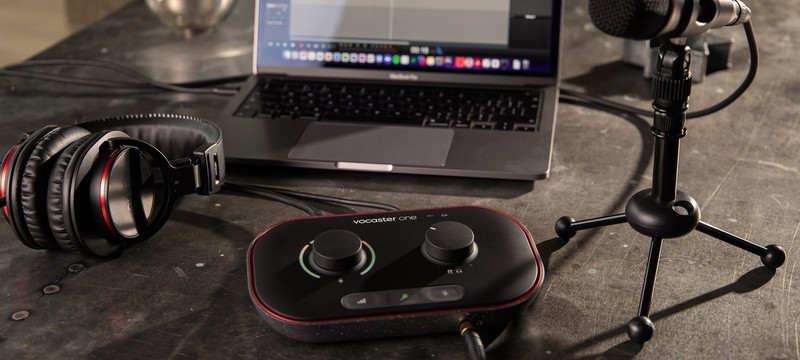
只需要幾秒鐘,讓你即刻擁有錄音室品質的聲音
Vocaster One 擁有能夠清晰增益麥克風訊號高達 70 dB 的前級,除此之外,搭載智慧型增益辨識 (下方最左側按鈕) ,只需一按, Vocaster One 便會自動調整增益至最理想的範圍 (當然後續可以手動調整) ,而這個高達 70 dB 的內建前級,同時也讓你無須再購買外置前級 。
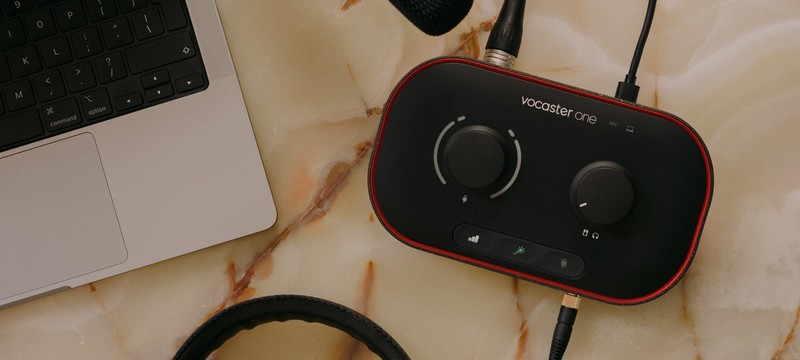
在下方中間的按鈕上 (魔術棒圖示按鈕) ,搭載的是聲音優化系統,只要按下,你的聲音就能夠自動被調整,一鍵將聲音套用至由 Focusrite 聲音調校團隊所製作的、專門針對 Podcast 優化的效果。
下方最右側的按鈕則是一鍵靜音鈕,在直播、錄製時難免發出意料之外的聲音,例如打噴嚏、咳嗽等,這個按鈕能夠讓你快速反應,並在按下的同時完全靜音,直至你放開它,對於影視工作者、居家上班需求者來說,這絕對是個實用的功能。
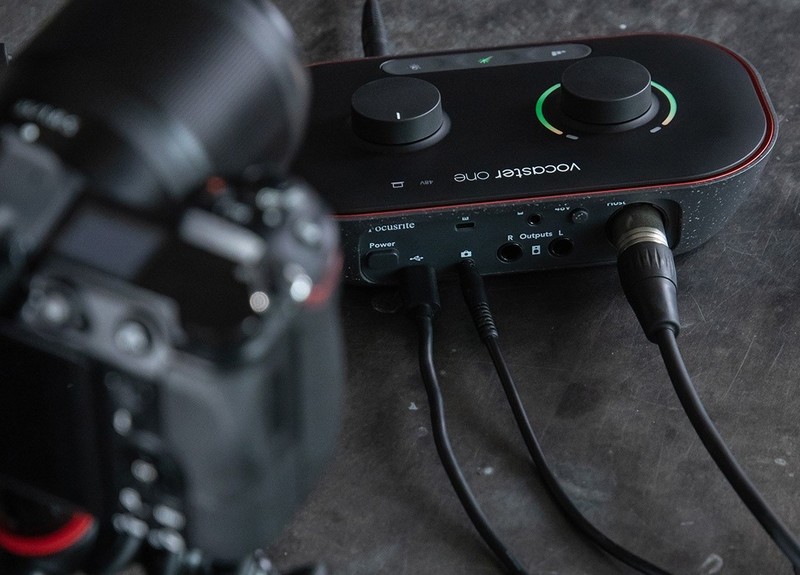
不必再耗費心力同步聲音與影像
在 Vocaster One 後方輸出中,搭載了能夠同步輸出訊號給攝影器材的接孔,讓你無須在後期製作上耗時去同步影音,整體流程更加簡易、輕鬆。
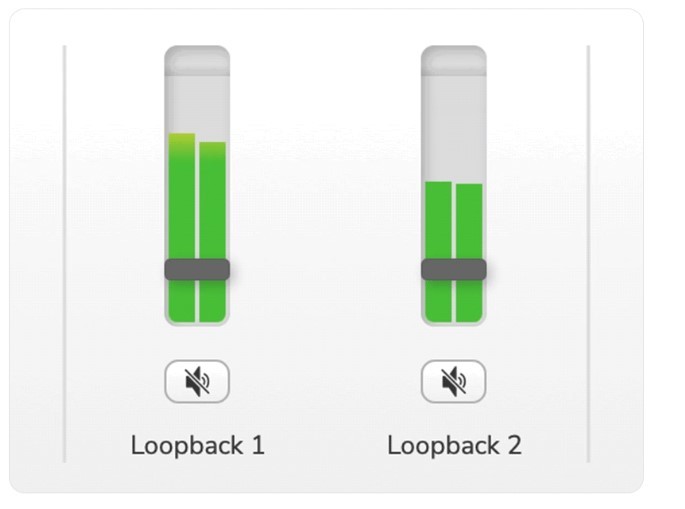
Loopback 功能
Vocaster One 內建兩軌 Loopback 功能,讓你能夠及時且無損地錄製電腦中的音樂,並添加至你的 Daw 中。
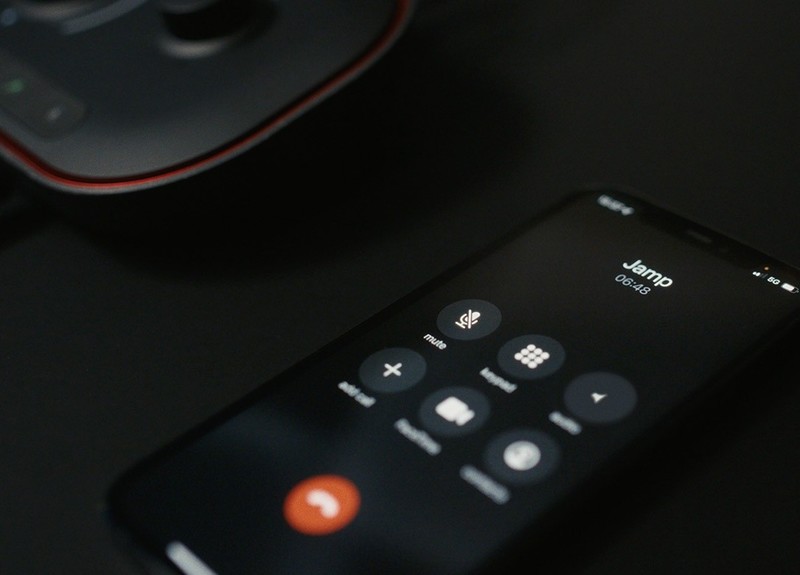
隨時接受 Call in!
不僅支援相機連結以同步影像及音訊, Vocaster One 更配備了手機音訊輸入孔,讓手機音訊直接輸入進介面中。
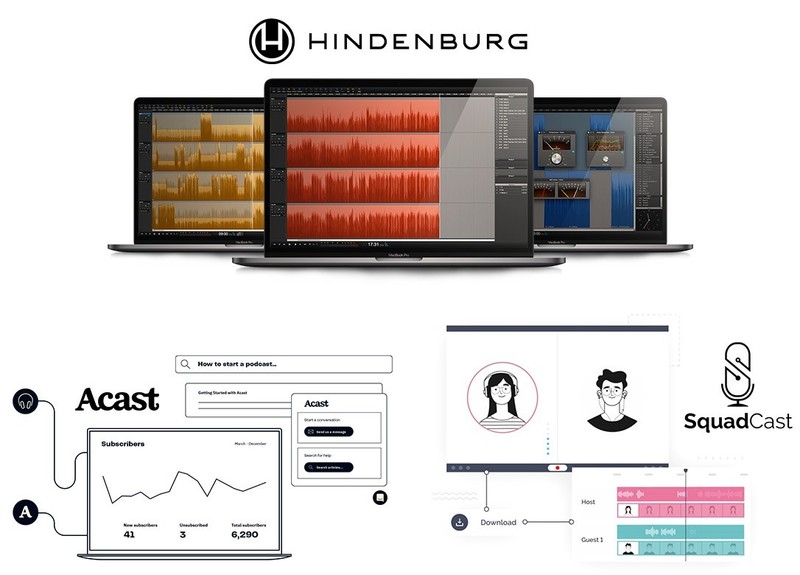
最適合你的介面,當然要配上最適合你的 DAW
Hindenburg 是一個專為 Podcast / 直播音訊剪輯所開發的 DAW (數位音訊工作站) ,一旦購買 Vocaster One ,你即可免費體驗 Hindenburg Pro (專業版) 長達六個月的時間。除此之外,你還可以使用 Podcast 整合應用程式 SquadCast ,以及專門為 Podcaster 打造的創作平台 "Acast" 在這個平台中,你可以上傳自己的創作,平台會自動推播至主流 Podcast 平台,例如 Apple Podcast / Spotify 等平台,讓你可以直接分析、推廣並看見成效。(免費試用期分別為 3 / 6 個月)
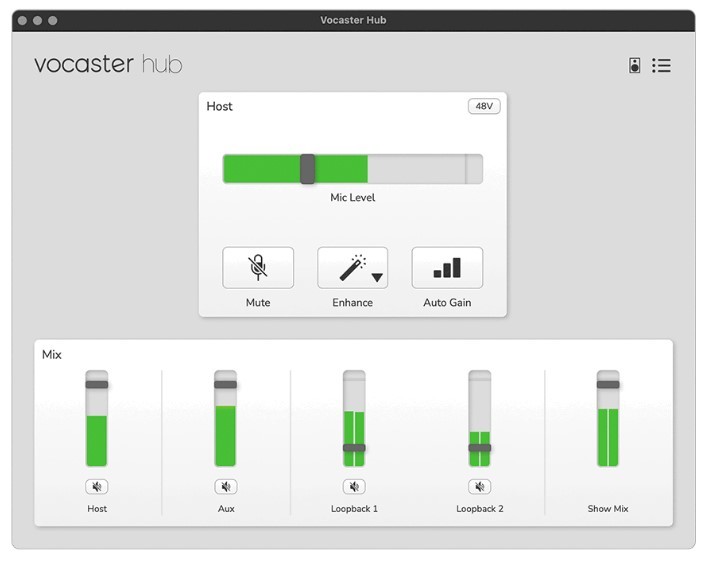
一個應用程式,控制你所有的音訊
在 Vocaster's Mixer 中,你可以直接控制所有輸入 / 輸出以及其他進階控制功能。
Focusrite Vocaster 官方介紹影片
詳細規格
- 特殊功能鍵: 內鍵三種 Vocal 模式 Preset / 一鍵式自動化增益功能 / 一鍵靜音鈕
- 麥克風前級: 70 dB
- 幻象電源: 有 (48v)
- 手機以及相機連接孔
- 兩軌立體聲 Loopback
- 實體旋鈕控制: 主要增益控制旋鈕 / 輸出增益控制旋鈕
- 輸入: 1 個 XLR 平衡麥克風輸入 / 1 個 TRRS 手機輸入
- 輸出: 1 對平衡監聽喇叭輸出 / 1 個 6.3mm TRS 監聽耳機輸出 / 1 個相機音訊輸出
- 供電: USB Type-C 供電 (連接電腦)
- 體積 長*寬*高: 194.5*50.5*113 mm
- 重量: 348 g


Reviews:
Purchase FAQ
Q1. What is the inspection period?
According to the Consumer Protection Act, online purchases come with a 7-day inspection period starting from the delivery date. Please note that the "inspection period is not a trial period." The purpose is for you to inspect and review the product, not to use it. If you are unsatisfied after inspection, please do not open or use the product and follow the return procedures immediately. Returned products must be in complete packaging with all accessories, gifts, and original packaging intact. Any missing, damaged, or incomplete items may affect your return rights and restoration costs may be deducted.
Q2. How do I process a return or exchange?
If you wish to return a product, please ensure it is in complete, new condition with the original packaging undamaged. This includes the product itself, accessories, warranty card, original packaging, and all accompanying documents. If the product is damaged due to reasons attributable to you, we may not be able to process the return, or repair costs may be deducted from the refund. However, products with manufacturing defects are exempt and qualify for unconditional return or exchange.
Please contact us by phone or email within the inspection period, providing the reason for the return/exchange, current product condition, phone number, and pickup address. We will arrange the return within 3-5 business days.
Q3. How will I receive my refund, and how long does it take?
Refund methods and timelines vary by payment method:
Credit Card: After we receive the returned product, the refund will be credited to your credit card account within approximately 5-7 business days. Depending on your billing cycle, the refund may appear on your current or next statement. Please confirm with your credit card issuing bank.
Bank Transfer: Please contact service [at] digilog.tw with your complete bank details (bank name, branch name, bank code, account holder name, account number). We will arrange courier pickup of the returned product and transfer the refund to your designated account within 5-7 business days.
Q4. Do I need to pay for shipping when sending products for repair?
Round-trip shipping costs for product repairs are the customer's responsibility.
Focusrite Others:
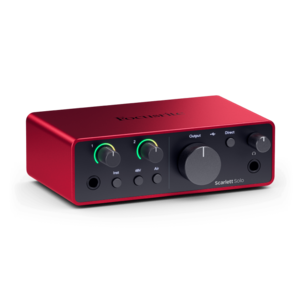
USB Type-C Audio Interface
Focusrite Scarlett Solo 4th 錄音介面
Focusrite Scarlett Solo 4th 錄音介面
Price
NT
5,490
Price
NT
5,490
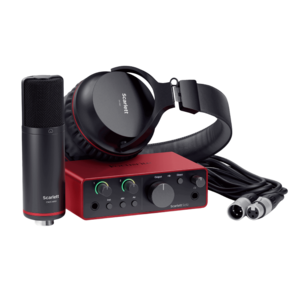
USB Type-C Audio Interface
Focusrite Scarlett Solo Studio 4th ...
Focusrite Scarlett Solo Studio 4th ...
Price
NT
10,200
Price
NT
10,200
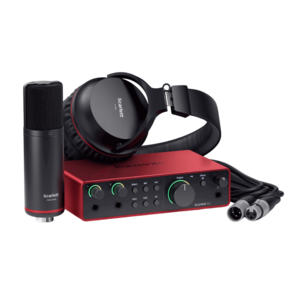
-6%
USB Type-C Audio Interface
Focusrite Scarlett 2i2 Studio 4th U...
Focusrite Scarlett 2i2 Studio 4th U...
NT 12,800
Price
NT
11,990
NT 12,800
Price
NT
11,990
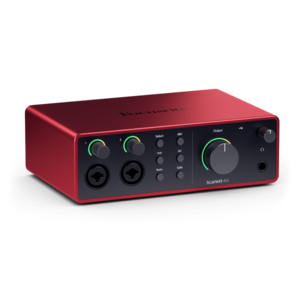
USB Type-C Audio Interface
Focusrite Scarlett 4i4 4th 錄音介面
Focusrite Scarlett 4i4 4th 錄音介面
Price
NT
10,800
Price
NT
10,800

-2%
USB Type-C Audio Interface
Focusrite Scarlett 18i16 4th 錄音介面 U...
Focusrite Scarlett 18i16 4th 錄音介面 U...
NT 19,900
Price
NT
19,500
NT 19,900
Price
NT
19,500

USB Type-C Audio Interface
Focusrite Scarlett 18i20 4th 錄音介面 U...
Focusrite Scarlett 18i20 4th 錄音介面 U...
Price
NT
24,900
Price
NT
24,900
You may be interested in:
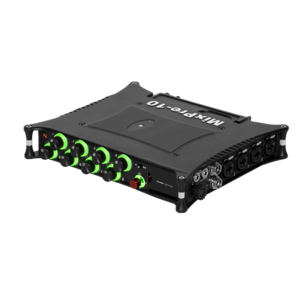
Mobile Recording Interface
Sound Devices MixPre-10 II 錄音介面 混音 ...
Sound Devices MixPre-10 II 錄音介面 混音 ...
Price
NT
75,000
Price
NT
75,000
-14%
USB Type-C Audio Interface
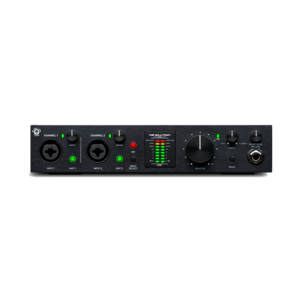
Black Lion Audio Revolution 2×2 USB...
Black Lion Audio Revolution 2×2 USB...
NT 13,900
Price
NT
11,900
NT 13,900
Price
NT
11,900
-22%
USB Type-C Audio Interface
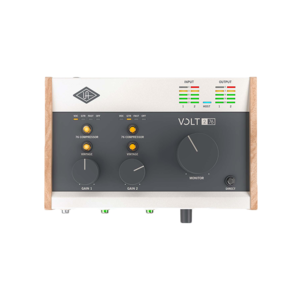
Universal Audio Volt 276 Type-C 錄音介...
Universal Audio Volt 276 Type-C 錄音介...
NT 13,510
Price
NT
10,600
NT 13,510
Price
NT
10,600
-6%
USB Type-C Audio Interface
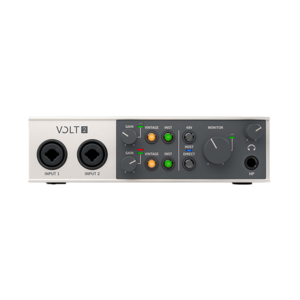
Universal Audio Volt 2 Type-C 錄音介面 ...
Universal Audio Volt 2 Type-C 錄音介面 ...
NT 7,700
Price
NT
7,200
NT 7,700
Price
NT
7,200

USB Type-C Audio Interface
Solid State Logic SSL2+ MKII USB-C ...
Solid State Logic SSL2+ MKII USB-C ...
Price
NT
10,900
Price
NT
10,900

Mobile Recording Interface
Zoom H5 Studio 行動錄音介面 H5 錄音筆
Zoom H5 Studio 行動錄音介面 H5 錄音筆
Price
NT
12,000
Price
NT
12,000
 What's New
 Brands
 Rental
目前尚無評論